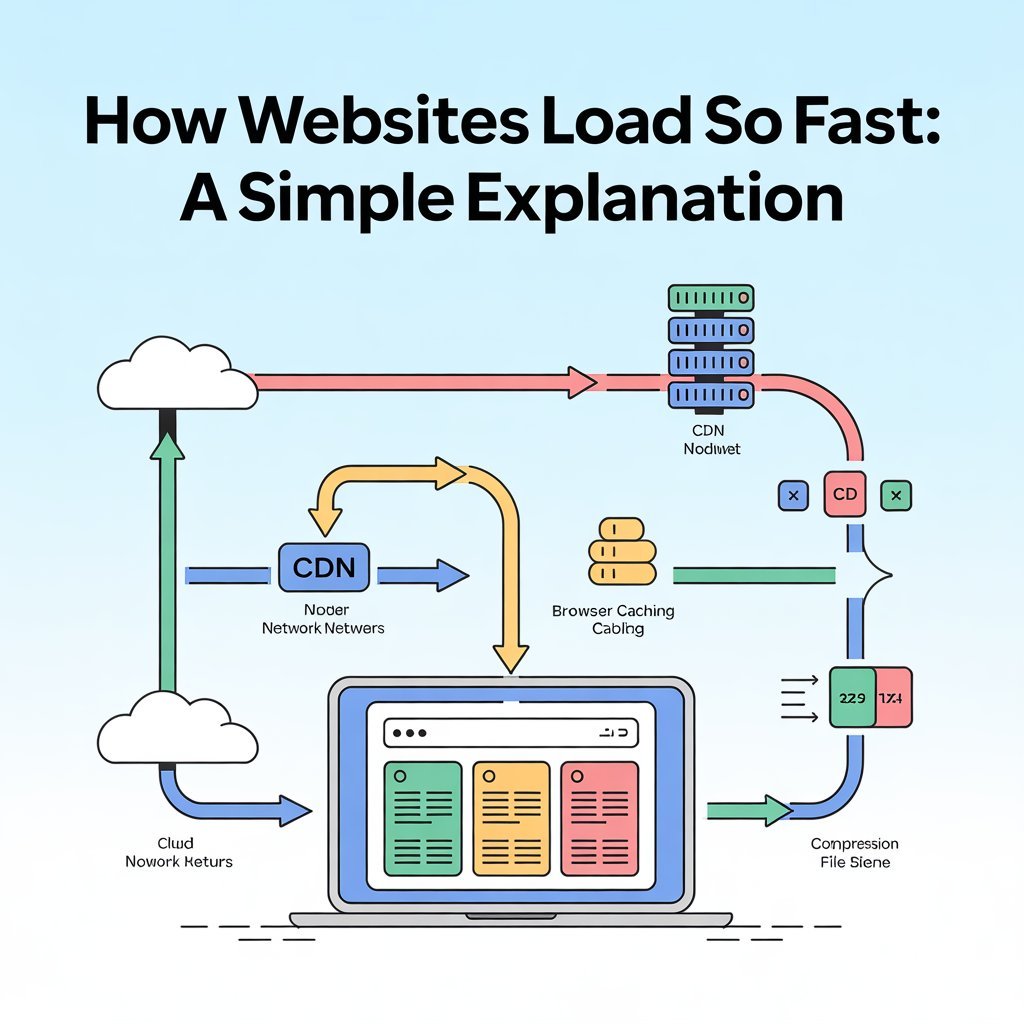
Have you ever clicked on a website and wondered how it loads in just a second—even though it contains images, text, videos, and interactive elements? Behind that speed is a combination of smart technology, powerful servers, and clever optimization working together.
In this article, we’ll explain how websites load so fast in simple words, without technical confusion.
What Happens When You Open a Website?
When you type a website address or click a link, your browser starts a quick process to fetch the website’s content from the internet. This entire process usually happens in less than a second.
Let’s break it down step by step.
Step 1: Your Browser Sends a Request
The moment you open a website:
- Your browser sends a request to the website’s server
- This request asks for the website’s files (text, images, styles, scripts)
- The request travels through your internet connection
This happens almost instantly.
Step 2: DNS Finds the Website’s Address
Websites don’t work with names—they work with numbers.
What Is DNS?
DNS (Domain Name System) acts like the internet’s phonebook.
- You type a website name
- DNS converts it into an IP address
- Your browser now knows where the website lives
This step is very fast thanks to global DNS systems.
Step 3: Servers Respond Quickly
Once the request reaches the server:
- The server finds the website files
- Sends them back to your browser
- Uses high-speed networks and hardware
Modern servers are designed to handle thousands of users at once.
Step 4: Content Delivery Networks (CDNs) Make It Faster
Many websites use CDNs to speed things up.
What Is a CDN?
A Content Delivery Network stores website data on servers around the world.
Why CDNs Help
- Content is delivered from the nearest location
- Less travel distance = faster load time
- Reduced server pressure
This is one of the biggest reasons websites load so quickly.
Step 5: Files Are Loaded in Smart Order
Websites don’t load everything at once.
Smart Loading Techniques
- Important content loads first
- Images and videos load later
- Hidden content loads only when needed
This makes the website feel fast even if everything isn’t loaded yet.
Step 6: Browser Caching Saves Time
Your browser remembers websites you visit.
How Caching Works
- Files are saved on your device
- Next visit loads files locally
- No need to download everything again
This is why websites load even faster the second time.
Step 7: Optimized Images and Code
Large files slow websites down, so developers optimize them.
Optimization Techniques
- Compressed images
- Minified code (HTML, CSS, JavaScript)
- Removing unnecessary elements
Smaller files mean faster loading.
Step 8: Modern Browsers Are Very Fast
Today’s browsers are highly optimized.
Browser Improvements
- Faster rendering engines
- Parallel loading of files
- Better memory management
Your browser plays a huge role in website speed.
Why Some Websites Load Slower
Not all websites are fast.
Common Reasons for Slow Websites
- Large uncompressed images
- Too many ads or scripts
- Poor hosting
- No CDN usage
- Heavy animations
Speed depends on how well the website is built.
Why Website Speed Matters
Fast websites:
- Improve user experience
- Reduce bounce rates
- Rank better in search engines
- Increase trust and engagement
Speed is a key part of modern web design.
Common Myths About Website Speed
Myth 1: Faster internet guarantees fast websites
❌ Not always. Website optimization matters too.
Myth 2: Only developers affect speed
❌ Hosting, content, and design choices also matter.
Myth 3: Heavy websites must be slow
❌ Smart optimization can make even complex sites fast.
FAQs – Website Loading Speed
Q1: How fast should a website load?
Ideally, within 2–3 seconds or less.
Q2: Why do websites load faster on Wi-Fi than mobile data?
Wi-Fi is often more stable and faster than mobile networks.
Q3: Do images slow down websites?
Yes, if they are not properly optimized.
Q4: What is the biggest factor in website speed?
Server quality and CDN usage are major factors.
Q5: Can a slow website be fixed?
Yes. Optimization, better hosting, and caching can improve speed.
Conclusion
Websites load fast because of smart servers, CDNs, caching, optimized files, and modern browsers working together. What feels instant to users is actually a well-coordinated process happening in milliseconds.
Understanding how websites load helps you appreciate modern technology—and if you own a site, it shows why speed should always be a priority.