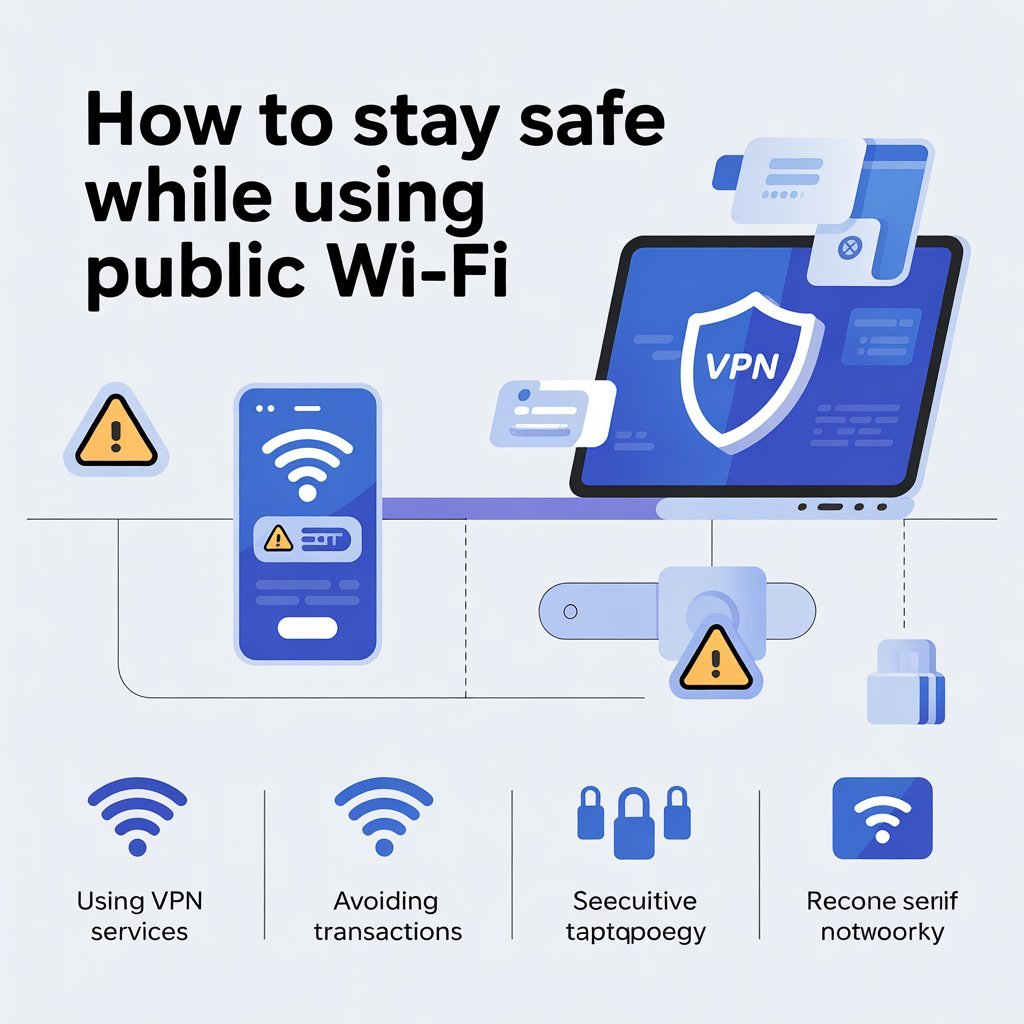
Public Wi-Fi is everywhere—cafes, airports, hotels, and libraries offer it for free. While it’s convenient, public Wi-Fi is also risky. Hackers can intercept your data, steal passwords, and even access your accounts if you’re not careful.
This guide explains how to stay safe while using public Wi-Fi and protect your personal information.
Why Public Wi-Fi Can Be Dangerous
When you connect to a public network:
- The connection is often unencrypted, making it easy for hackers to intercept data
- Fake networks or hotspots can trick you into revealing personal info
- Other users on the same network may try data snooping
Even casual browsing or logging into accounts can expose sensitive information.
1. Use a VPN for Privacy
A Virtual Private Network (VPN) encrypts your internet traffic.
Benefits
- Protects passwords, emails, and banking info
- Encrypts your data from hackers
- Works on any public network
💡 Paid VPNs are generally safer and more reliable than free ones.
2. Avoid Logging Into Sensitive Accounts
Avoid accessing:
- Online banking
- Credit card apps
- Work or school accounts
- Personal email
If you must access them, use a VPN or mobile data.
3. Only Connect to Trusted Networks
- Confirm the network name with staff
- Avoid generic names like “Free Wi-Fi”
- Turn off automatic Wi-Fi connections
Fake networks often mimic real ones to steal your data.
4. Enable HTTPS and Secure Websites
Websites that start with “https://” encrypt the data between your device and the server.
Tips
- Look for a padlock icon in the browser
- Avoid entering passwords on non-HTTPS sites
This prevents hackers from intercepting sensitive information.
5. Keep Your Device Updated
Updates include security patches that protect your device.
- Enable automatic updates
- Update browsers, apps, and antivirus software regularly
- Outdated devices are more vulnerable
6. Turn Off File Sharing and Network Discovery
Public networks can expose your device to others.
- Disable file and printer sharing
- Turn off network discovery
- Use the “Public” network profile on Windows or equivalent settings on other devices
7. Use Two-Factor Authentication (2FA)
Even if someone steals your password, 2FA adds a second layer of protection.
- Enable 2FA on email, banking, and social accounts
- Use authenticator apps for stronger security
8. Avoid Auto-Login Features
- Don’t save passwords on shared networks
- Log out of accounts after use
- Clear browser cache if using public devices
9. Consider Using Mobile Data
If a network seems risky, switch to mobile data. Mobile networks are usually more secure and encrypted.
10. Be Aware of Your Surroundings
- Avoid entering passwords while others watch
- Use privacy screens if needed
- Don’t connect devices you don’t trust
FAQs – Public Wi-Fi Safety
Q1: Can public Wi-Fi ever be safe?
Yes, with VPNs, HTTPS, updated devices, and cautious behavior.
Q2: Can hackers steal my password on public Wi-Fi?
Yes, especially if the network is unencrypted.
Q3: Should I use banking apps on public Wi-Fi?
Only with a VPN or secure mobile connection.
Q4: Is using a VPN enough?
It’s very effective, but combining VPN with other security measures is best.
Q5: How can I identify a fake Wi-Fi network?
Check with staff, avoid generic names, and don’t connect automatically.
Conclusion
Public Wi-Fi is convenient but comes with risks. By using a VPN, connecting only to trusted networks, enabling HTTPS, keeping devices updated, and using 2FA, you can browse safely and protect your personal information.
Being cautious on public networks is essential in today’s digital world 🌐🔒